
Tutorial
How FedXam works: practice the CBLE step by step
A walkthrough of studying for the CBP Customs Broker License Exam (CBLE) in the FedXam web app, from choosing the exam to reviewing an AI explanation. Every screenshot is from the app.
Choose your exam
Open the Study tab in the FedXam web app. Exam titles are grouped by agency, including U.S. Customs and Border Protection and the Federal Communications Commission.
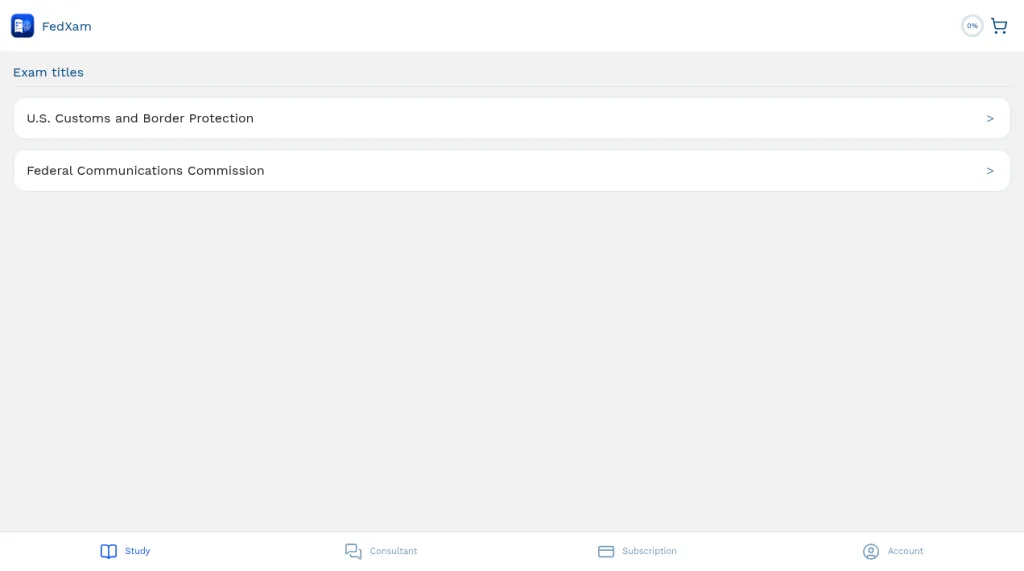
The Study tab lists exam titles by agency. Review the exam facts
General Information summarizes the Customs Broker License Examination (CBLE): it is held in April and October, the fee is $390, and it has 80 multiple-choice questions with a 75% passing score and 4:30:00 allowed. It also covers the subjects, registration through eCBP, and scheduling.
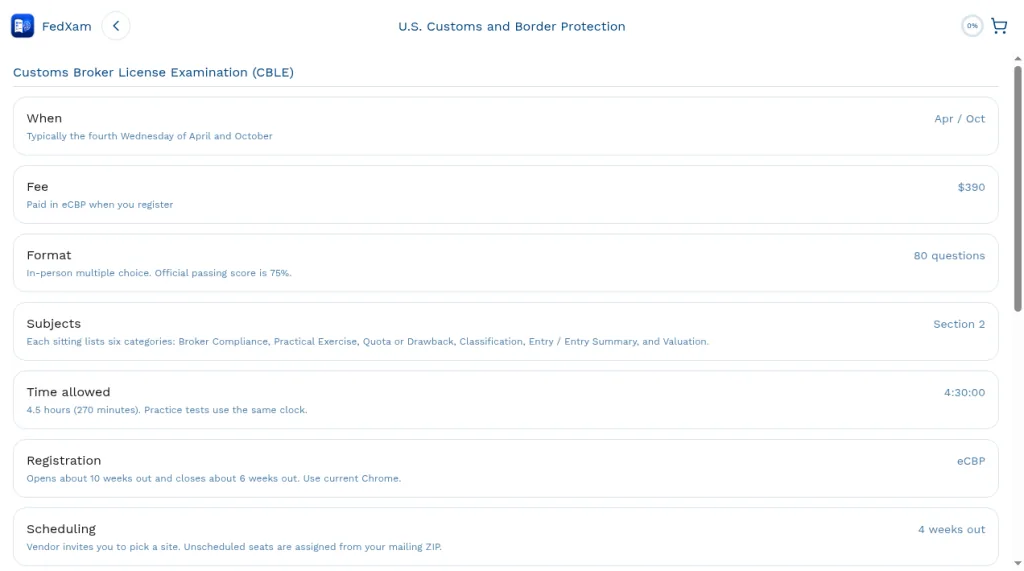
CBLE facts: when, fee, format, subjects, time allowed, registration, and scheduling. Pick a past sitting
Open Tests to see past CBLE sittings by date, from CBLE · 2026-04 back through CBLE · 2024-05. Pick one to open it.
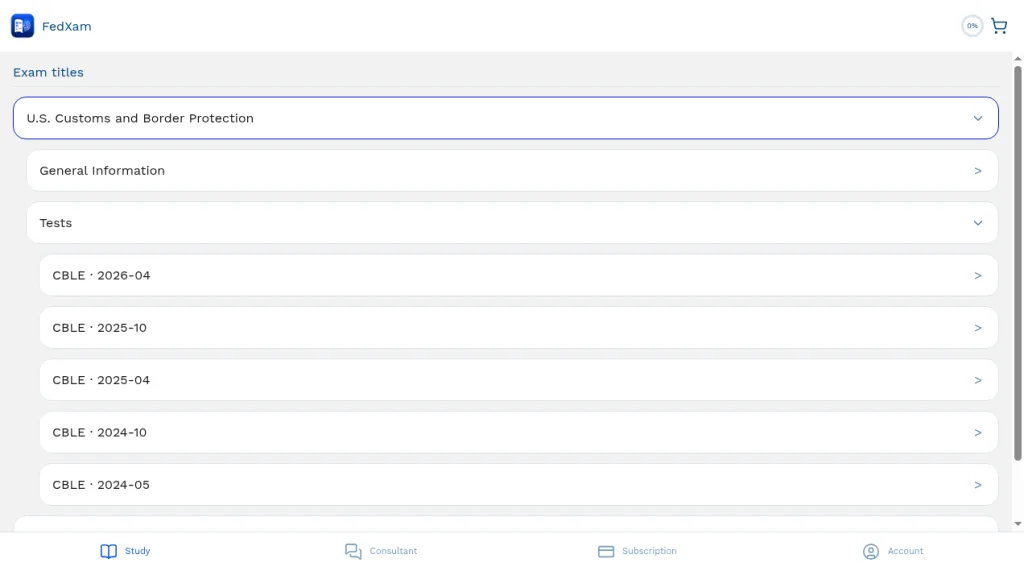
Past CBLE sittings listed under Tests. Start the timed test
Each sitting opens with its details: 80 questions, a 75% pass threshold, and 4:30:00 of time allowed. Choose whether to shuffle the questions, then select Start test.
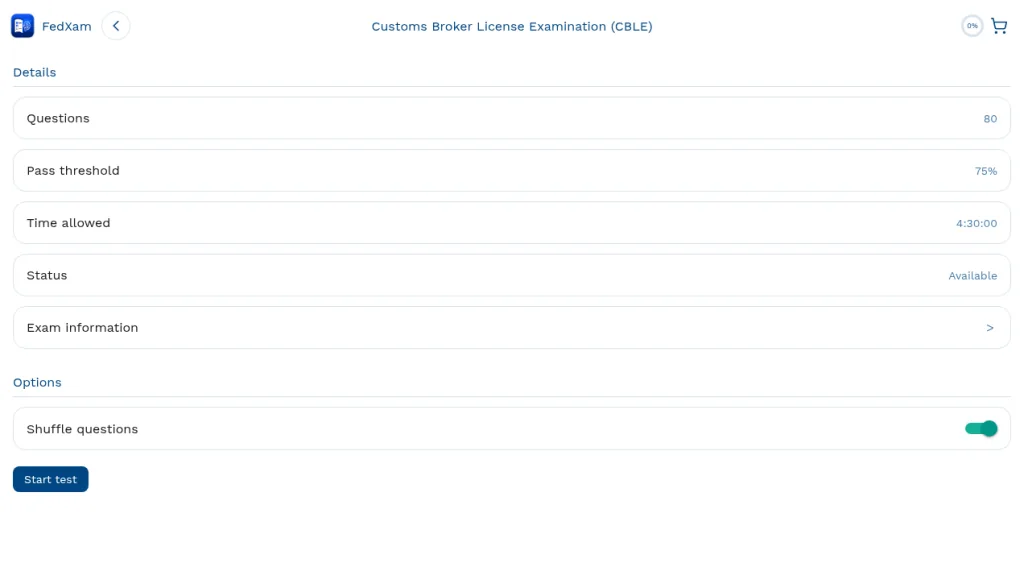
The CBLE 2026-04 start screen with the Shuffle questions option and the Start test button. Work through the questions
Questions appear one at a time with multiple-choice answers. A count-up timer shows your elapsed time against the 4:30:00 limit.
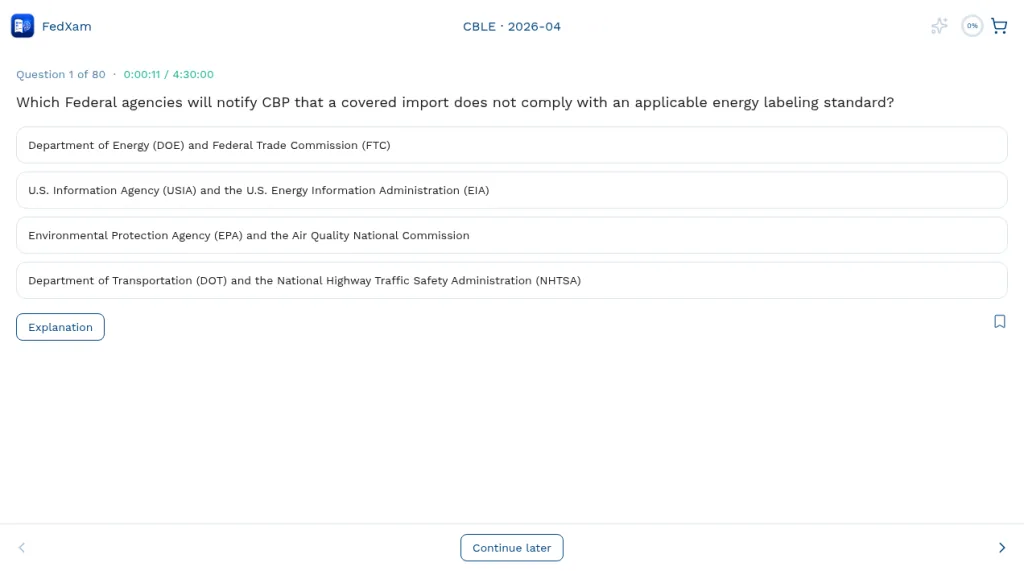
Question 1 of 80, with the timer at 0:00:11 of 4:30:00. Select your answer
Tap a choice to select it, and your selection is highlighted. The arrows at the bottom of the screen move between questions.
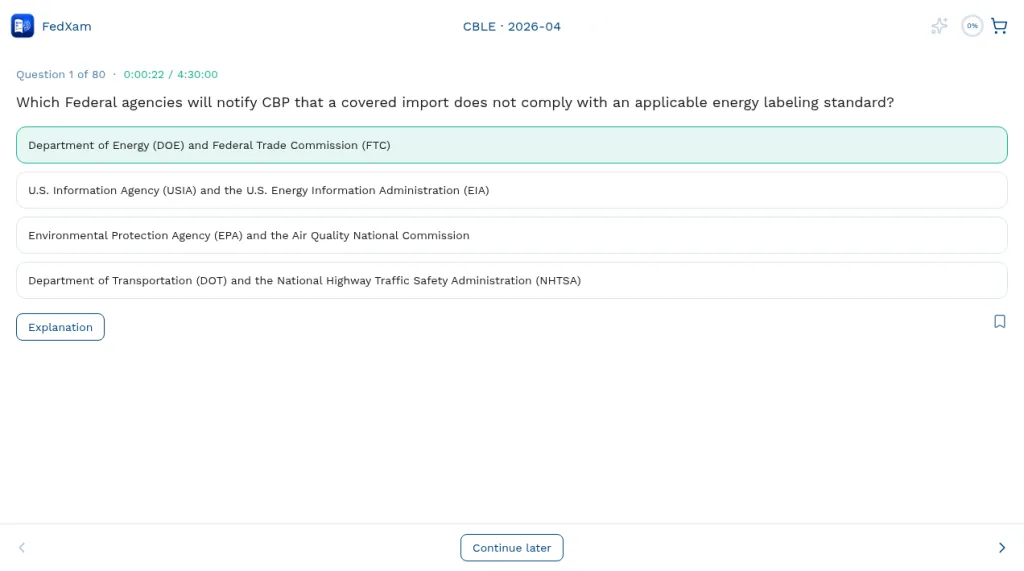
An answer selected on question 1. Check the official answer
Select Explanation to show the official answer below the choices, so you can check your pick right away.
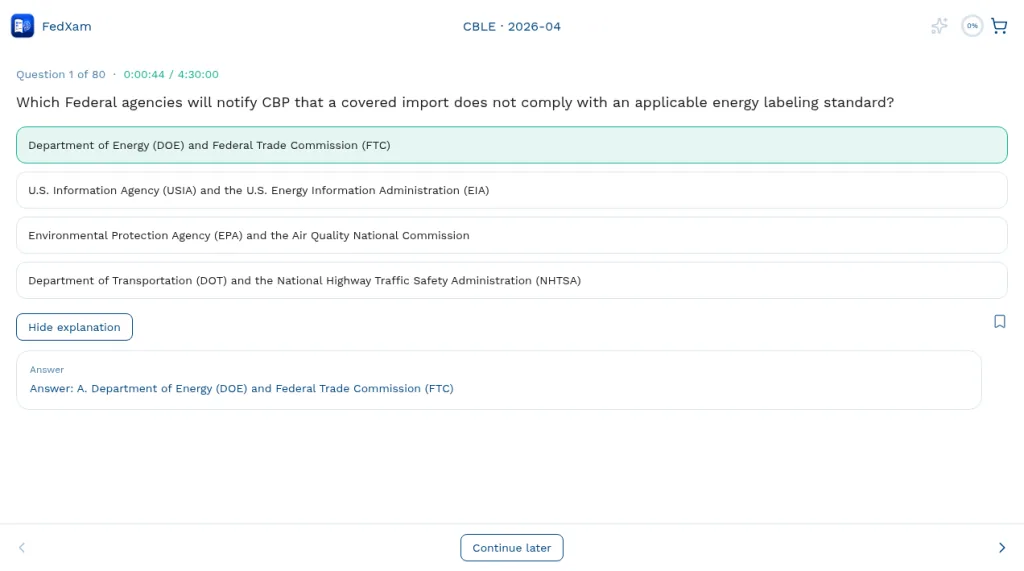
The official answer shown below the answer choices. Get an AI explanation
Tap the wand for an AI explanation grounded in the official regulations. It goes through each answer choice and ends with the correct answer.
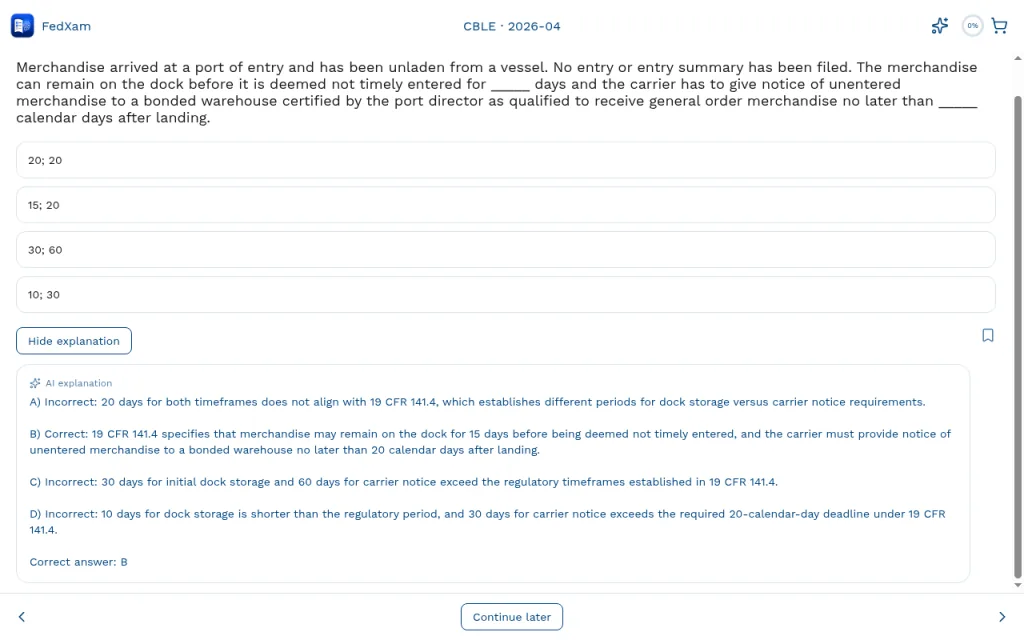
An AI explanation for another CBLE 2026-04 question: each choice is reviewed against 19 CFR 141.4, ending with "Correct answer: B".
Try it in the FedXam app
Practice tests are live. Open the web app, choose your exam, and start a timed sitting.
Open the FedXam appIndependent educational platform · not affiliated with any U.S. government agency